Odisha News, Odisha Latest news, Odisha Daily - OrissaPOST
  • Home
  • Trending
  • State
  • Metro
  • National
  • International
  • Business
  • Feature
  • Entertainment
  • Sports
  • More..
    • Odisha Special
    • Editorial
    • Opinion
    • Careers
    • Sci-Tech
    • Timeout
    • Horoscope
    • Today’s Pic
  • Video
  • Epaper
  • News in Odia
  • Home
  • Trending
  • State
  • Metro
  • National
  • International
  • Business
  • Feature
  • Entertainment
  • Sports
  • More..
    • Odisha Special
    • Editorial
    • Opinion
    • Careers
    • Sci-Tech
    • Timeout
    • Horoscope
    • Today’s Pic
  • Video
  • Epaper
  • News in Odia
No Result
View All Result
OrissaPOST - Odisha Latest news, English Daily -
No Result
View All Result
EVOS

Compress PDF for Mail: Simplifying Large Document Attachments

Updated: July 24th, 2024, 19:33 IST
in Business, Sci-Tech
0
Share on FacebookShare on TwitterShare on WhatsAppShare on Linkedin

Sending large files by email can be hectic due to the set limit. That’s a major hurdle that many professionals face. This limitation can lead to frustration, wasted time, and missed opportunities, which is quite troublesome since 4.48 billion people worldwide use email to share information. With the help of mail attachments, you can send documents, images, videos, etc. with ease. There is a size limit imposed on attachments, making it difficult to send larger files.

But worry not, by compressing PDFs, one can send large files with little to no effort. You can easily overcome these limitations and attach emails by compressing PDFs for email. This can easily be done using simple tools. Here’s how to compress PDF for mail:


Also Read

Pic- IANS

Govt has powers to cap airfares but it is not single-way solution: Aviation Minister Naidu

17 hours ago
Representational image

Odisha govt to introduce land lease policy to boost renewable energy projects

20 hours ago

How to send large documents without hitting limits and make email attachments easy on Windows?

Compressing PDFs so you don’t hit the limit can be done in just a few steps. Here’s how to do it:


  • Install Adobe Acrobat on your device.
  • Open your PDF document.
  • Go to File > Reduce File Size.
  • Choose the location where you wish to save the file and click save.
  • Your file will be compressed and saved.


How to send large documents without hitting limits and make email attachments easy on iOS:

Here’s how to compress PDF on iOS in simple steps:


  • Install and open Adobe Acrobat on your iOS device.
  • Tap the ‘+’ icon.
  • Select ‘edit PDF’ and choose the PDF you want to compress.
  • Once open, tap on the three dots icon.
  • From the menu, select ‘compress PDF’.
  • Your current file size and available size options will be shown. Select the compression you find best.
  • After selecting, the compression will start. Once done, you can save it.

How to send large documents without hitting limits and make email attachments easy on Android

You can easily compress PDF online for mail on your device with just a few taps. Here’s how to do it:


  • Install Adobe Acrobat on your Android.
  • Navigate to the PDF you wish to compress and open it in the app.
  • Once open, navigate the ‘compress to PDF’ option and tap it.
  • Different compression sizes will be shown. Select the one you want.
  • Once compressed, you can now save it.

How to send large documents without hitting limits and make email attachments easy in a batch?



Here’s a step-by-step guide for sending documents without hitting limits in a batch:


  • Open Adobe Acrobat online services and select “Tools” > “Batch Attachment.”.
  • Choose the files you want to attach and send. You can select multiple files by holding the Ctrl key (Windows) or Command key (Mac).
  • Select the email client you want to use (e.g., Microsoft Outlook, Gmail).
  • Compose a new email and attach the files in batches.
  • Click “Send” to send the email with attachments.

Compress PDF for mail with simple steps

Sending large documents without hitting limits and making email attachments easy is a crucial step that can save you a lot of time. These straightforward steps are easy to follow and will make sending your emails a simple task.

ShareTweetSendShare
Suggest A Correction

Enter your email to get our daily news in your inbox.


OrissaPOST epaper Sunday POST OrissaPOST epaper

Click Here: Plastic Free Odisha

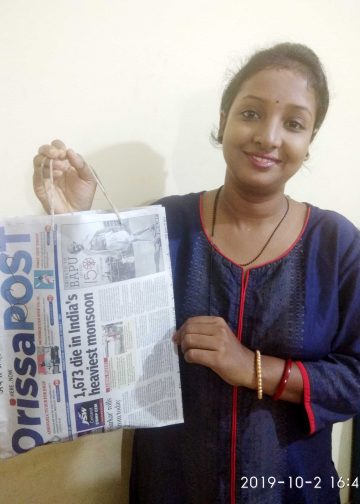
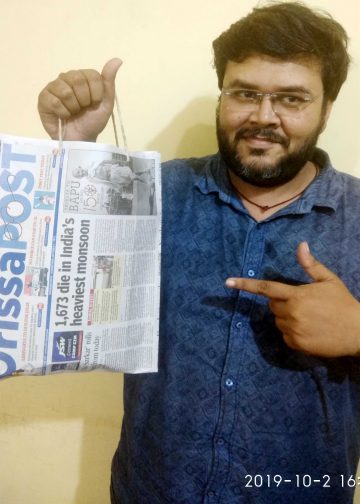
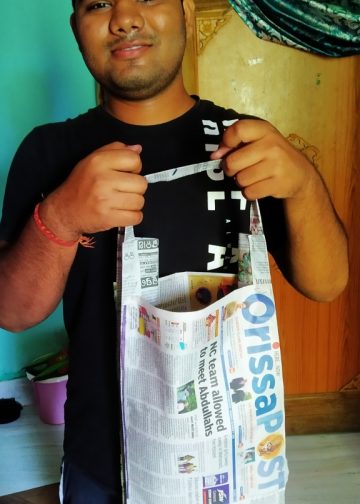
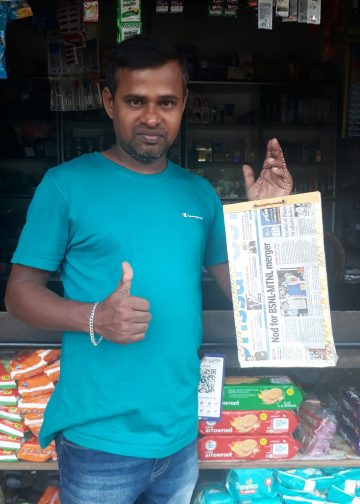
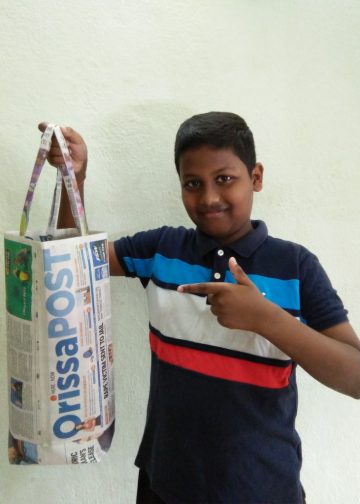
#MyPaperBagChallenge

Mandakini Dakua

December 12, 2019
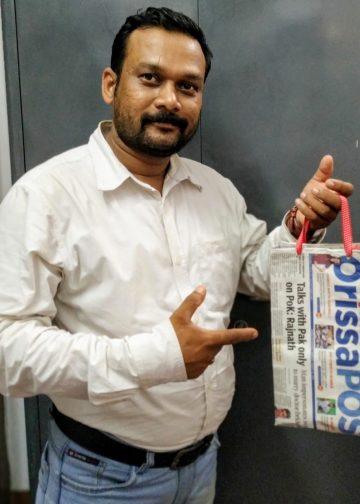
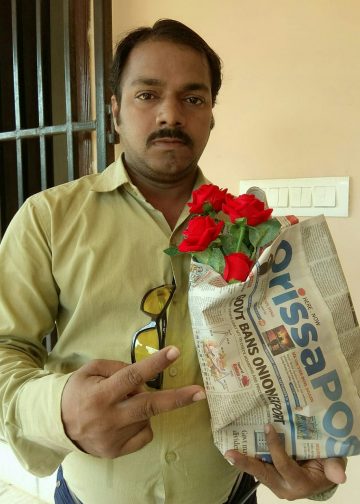
#MyPaperBagChallenge

Ramakanta Sahoo

December 12, 2019
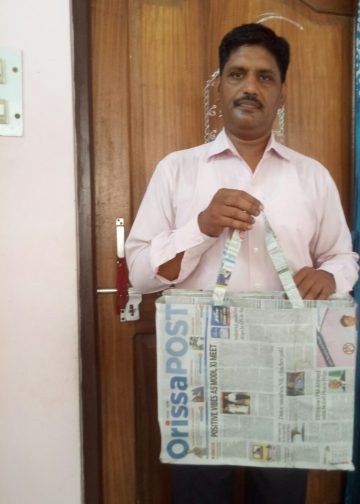
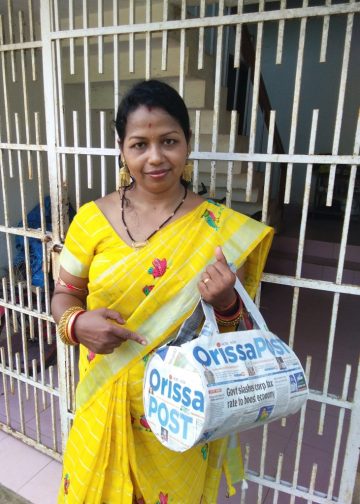
#MyPaperBagChallenge

Rajashree Manasa Mohanty

December 12, 2019
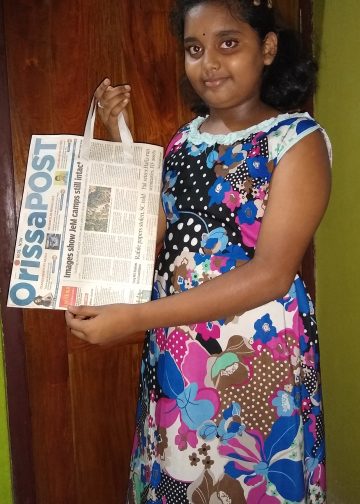
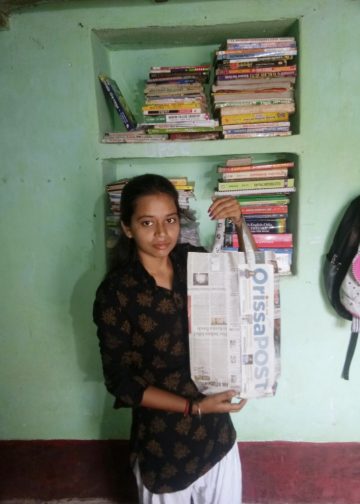
#MyPaperBagChallenge

Mrutyunjaya Behera

December 12, 2019
#MyPaperBagChallenge

Faiza Firdous

December 12, 2019
#MyPaperBagChallenge

Tabish Maaz

December 12, 2019
#MyPaperBagChallenge

Chinmay Kumar Routray

December 12, 2019
#MyPaperBagChallenge

Priyabrata Mohanty

December 12, 2019
#MyPaperBagChallenge

Sarmistha Nayak

December 12, 2019
#MyPaperBagChallenge

Sisirkumar Maharana

December 12, 2019
#MyPaperBagChallenge

Bijswajit Pradhan

December 12, 2019
#MyPaperBagChallenge

Lopali Pattnaik

December 12, 2019
#MyPaperBagChallenge

Pratik Kumar Ghibela

December 12, 2019
#MyPaperBagChallenge

Diptiranjan Biswal

December 12, 2019
#MyPaperBagChallenge

Adweeti Bhattacharya

December 12, 2019
#MyPaperBagChallenge

Jyotshna Mayee Pattnaik

December 12, 2019
#MyPaperBagChallenge

Sitakanta Mohanty

December 12, 2019
#MyPaperBagChallenge

Spinoj Pattnaik

December 12, 2019
#MyPaperBagChallenge

Sipra Mishra

December 12, 2019
#MyPaperBagChallenge

Tapaswini Mallick

December 12, 2019
#MyPaperBagChallenge

Arya Ayushman

December 12, 2019
#MyPaperBagChallenge

Anasuya Sahoo

December 12, 2019
#MyPaperBagChallenge

Subhajyoti Mohanty

December 12, 2019
#MyPaperBagChallenge

Praptimayee Biswal

December 12, 2019
#MyPaperBagChallenge

Swarit Praharaj

December 12, 2019
#MyPaperBagChallenge

Adyasha Priyadarsani Sendha

December 12, 2019
#MyPaperBagChallenge

Manas Samanta

December 12, 2019
#MyPaperBagChallenge

Jhili Jena

December 12, 2019
#MyPaperBagChallenge

Ankita Balabantray

December 12, 2019
#MyPaperBagChallenge

Sarfraz Ahmad

December 12, 2019

Archives

Editorial

Unforgiving Skies

Silent Shift
December 13, 2025

By Dilip Cherian   The IndiGo incident has once again reminded us of something we often overlook: India operates one...

Read moreDetails

Concert of Europe

Europe
December 10, 2025

  At a crucial juncture when US President Donald Trump seems to be too eager to make Ukraine a sacrificial...

Read moreDetails

Mandela of Mideast

Marwan Barghouti
December 9, 2025

He has already earned the sobriquet of Nelson Mandela of the Arab world. Like the crusader against apartheid, he has...

Read moreDetails

Cost of Monopoly

Indigo
December 8, 2025

Tens of thousands of Indians had a harrowing experience last week as air travel virtually came to a grinding halt...

Read moreDetails
  • Home
  • State
  • Metro
  • National
  • International
  • Business
  • Editorial
  • Opinion
  • Sports
  • About Us
  • Advertise
  • Contact Us
  • Jobs
Developed By Ratna Technology

© 2025 All rights Reserved by OrissaPOST

  • News in Odia
  • Orissa POST Epaper
  • Video
  • Home
  • Trending
  • Metro
  • State
  • Odisha Special
  • National
  • International
  • Sports
  • Business
  • Editorial
  • Entertainment
  • Horoscope
  • Careers
  • Feature
  • Today’s Pic
  • Opinion
  • Sci-Tech
  • About Us
  • Contact Us
  • Jobs

© 2025 All rights Reserved by OrissaPOST

    • News in Odia
    • Orissa POST Epaper
    • Video
    • Home
    • Trending
    • Metro
    • State
    • Odisha Special
    • National
    • International
    • Sports
    • Business
    • Editorial
    • Entertainment
    • Horoscope
    • Careers
    • Feature
    • Today’s Pic
    • Opinion
    • Sci-Tech
    • About Us
    • Contact Us
    • Jobs

    © 2025 All rights Reserved by OrissaPOST