
MANOJ KUMAR JENA, OP
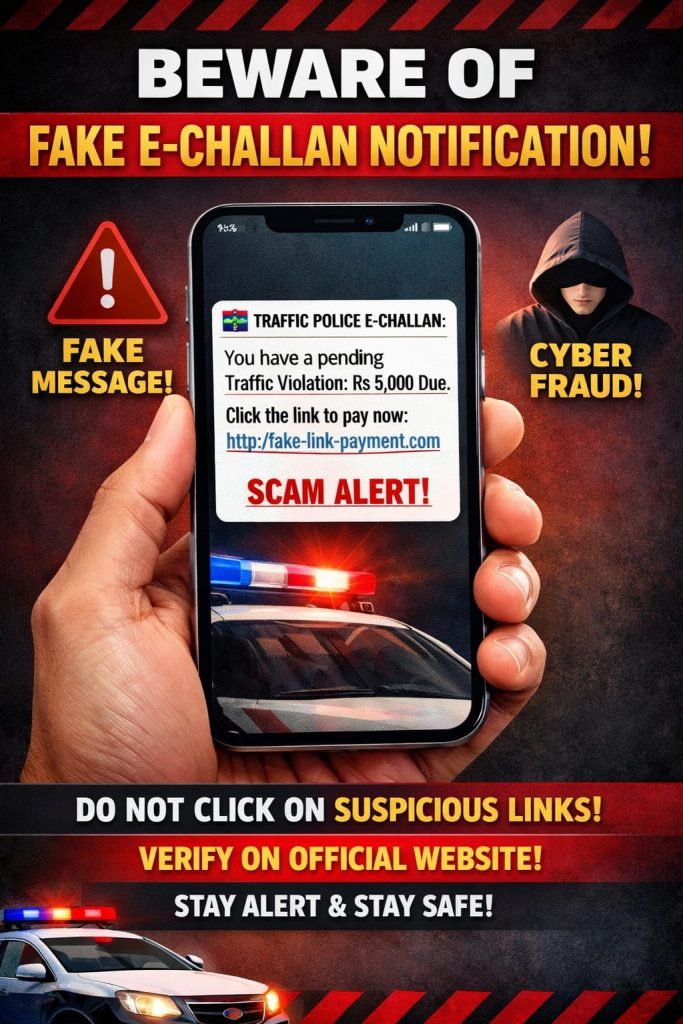
Bhubaneswar: As people get busy arranging their vehicle documents after the state government declared deadline for PUCC and other documents verification, the cyber fraudsters seem to have found opportunity with many reported cases of fake E-challan, which compromised their data and also resulted in loss of money.
Cyber security expert and cyber police, while talking to Orissa Post have shared their views and tips to avoid such frauds. It is pertinent to mention here that several people have recently reported receiving .apk files disguised as fake e-challan messages on their mobile phones inviting the users to open the file to view their challan details. Clicking on that link or downloading the .apk file either gets their WhatsApp hacked or all their data on the phone gets compromised.
Besides, the unsuspecting users fall prey to the trap by paying the fine amount directly to them. To identify such threats, cyber expert Prashant Sahu stressed on not clicking on any apk files sent from known or unknown users. “The government never sends .apk file to view the challan. In case of any web link, people must check if it contains ‘gov.in’ in its address for authenticity,” Sahu said. “When people click on such kind of links, the fraudsters get access to their personal data. Later, they use the victim’s data to hack others, which creates a chain-like system as the hackers manage to compile a huge amount of data,” Sahu said.
Also Read: Odisha Youth Congress activists scuffle with police, ghearo transport minister’s residence
He informed that to avoid being hacked, if people receive such suspicious messages or files with .apk extensions from known persons, they should call that person to verify the legitimacy of the file. Everyone should avoid clicking any unknown link or .apk files to avoid being hacked, Sahu added. “If you have clicked on any fraud link, put your phone on flight mode.
Then go to the apps section of your phone and delete any suspicious application immediately. Format your device after retrieving backup files. Later, notify the cyber police. This way we can limit the access of hackers on our device. Send an e-mail to ‘support@whatsapp.com’ if your WhatsApp account is hacked to avoid any further threat,” said Sahu.
Cyber police have also stressed that if people are receiving challan notifications, they should carefully look at the link as it will be easy to identify a fake link. Besides, the government never sends any apk file as e-challan. In case of any confusion, people should visit ‘mParivahan’ website or application to know about their challan details. “Awareness and calmness can help people not fall victim to cyber fraudsters,” informed the cyber police.